Build an ATS-Friendly Resume that Actually Gets Interviews.
To get a job nowadays, the **ATS needs to be cleared**. To clear the ATS, **random resumes simply don't work**—you need a highly **structured layout, perfect formatting, and a professional design**.
Layout Format
Clean & Readable Layout
Match score
Recruiter Feedback
Target Role
Software Engineer (Web)
Practical Formatting & Text Audit
Format & Layout Match
Clean, single-column structure that parses correctly without scrambled text.
Skill Keywords Match
Consider adding key skills like Python or Selenium if you have them.
Contact Details
Email address, LinkedIn profile and location are easy for recruiters to find.
Action Word Upgrade
Try replacing passive words like "Responsible for..." with active verbs like "Led" or "Created".
Easily create a professional resume with our built-in tool.
We built this custom tool to make resume writing simple. As you type your work history, projects, and skills on the left side of the editor, everything immediately formats and appears in the live preview panel on the right in real-time.
The layout and design are kept highly professional, clean, and structured in a standard chronological format. You never have to worry about shifting page columns or broken vertical spacing—the builder handles all of the design constraints automatically.
Add distinct sections for personal projects, certificates, or tools. You can customize headers freely to reflect your actual experience.
Export a clean-text PDF that helps improve database readability. The resulting document is designed to hold its formatting when opened on mobile or read by screening systems.
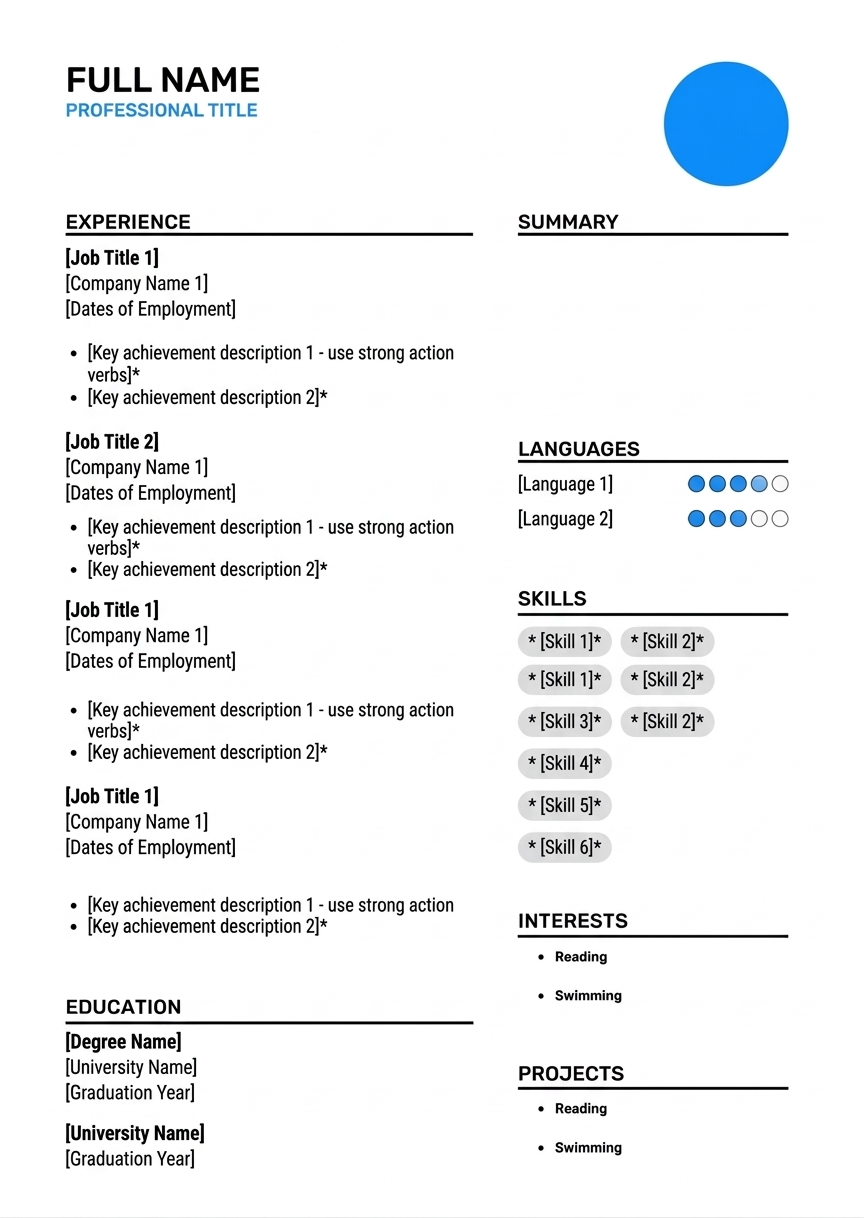
Format Review
Clean & Easy to Read
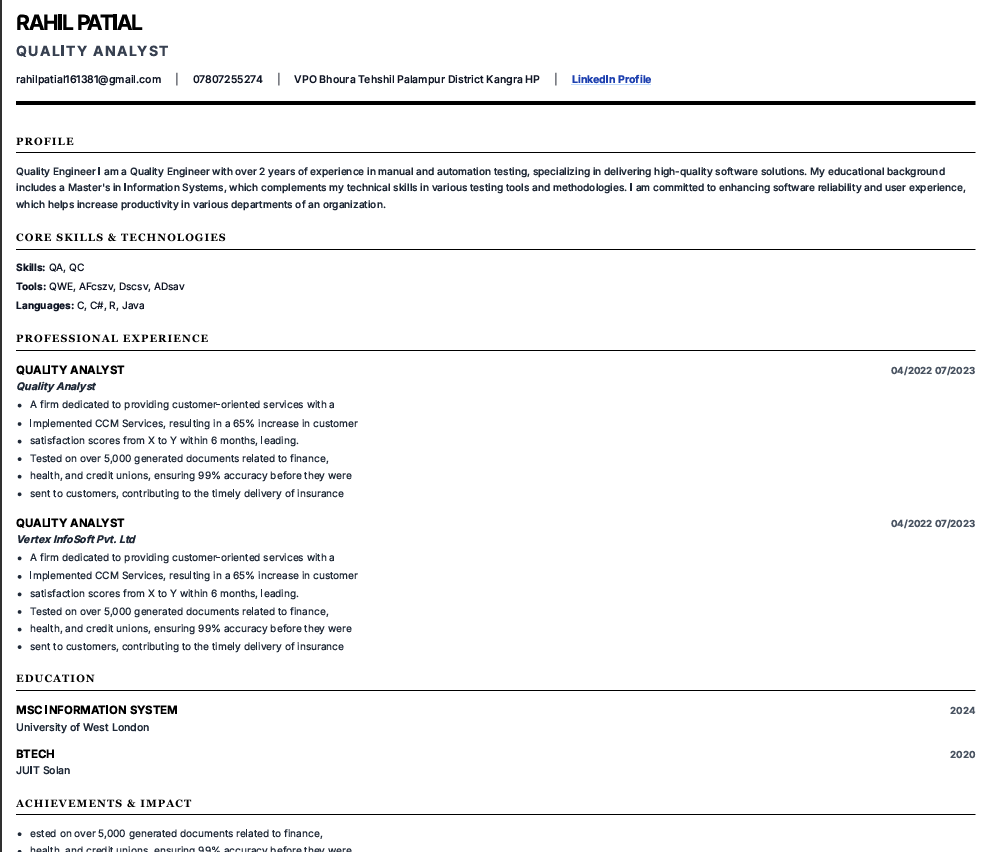
Visual Layout Breakdown (Image: my_resume.pdf)
The document shown above in /CVImg.png is a direct export example from our builder. There are no sidebars or columns that could cause data shifting. Spacing is standard and dates align neatly on the right, which generally reduces text extraction errors.
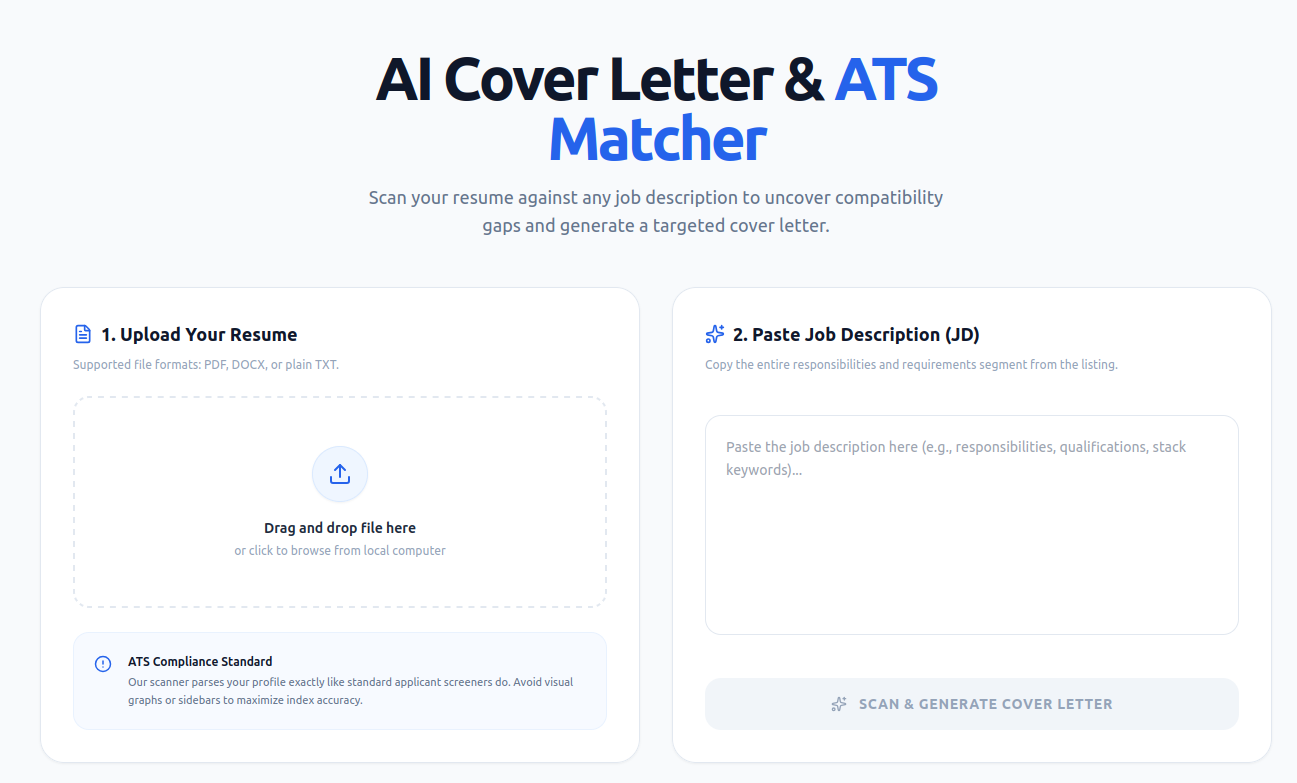
Metadata Included
Visual Cover Letter Breakdown
Above is a real preview of how cleanly structured your cover letter is exported. Structured layout, correct line breaks, and targeted header elements ensure it parses perfectly in recruitment workflows.
Cover letter scanning not only your resume but also the JD for added value.
HR executives cannot spare time reading generic messages composed by robots. That is precisely why this tool will help you generate a cover letter. The generator, however, carefully studies your resume along with the Job Description (JD) and creates an offer that aligns perfectly with the needs of your dream company.
While writing on your behalf, this tool automatically inserts all necessary details including your name, email, LinkedIn, company name, role, etc.
Company & Role Specific Customization
Automated mapping based on company profile, role name, and required skills. Connect your qualifications directly to the company's unique needs so HR immediately sees the value you bring.
Clean Structural Auto-Fill
Automatic parsing of your contact information—including custom elements like Name, professional email address, and active LinkedIn URL directly embedded in a standard cover letter header.
Benchmark your resume against the JD to know your match score.
Don't apply blindly. Our advanced JD Matching tool scans your resume alongside the Job Description you are applying for, analyzing skills, experience, and qualifications in real-time. You'll instantly see your match score so you always know your actual chances of receiving a recruiter call.
Even better, the matcher highlights the exact critical keywords and skills missing from your experience and skills sections. This gives you a clear checklist of what to learn, upgrade, and add to your resume to guarantee you clear the ATS.
Interview Call Predictor
Analyze your match percentage dynamically before submitting to know if your resume meets the recruiter's baseline and has high chances of getting a callback.
Skill Gap Analysis & Upskilling
Uncover missing technical competencies or keywords required for the role. Know exactly what to learn and easily add it to your resume to stand out.
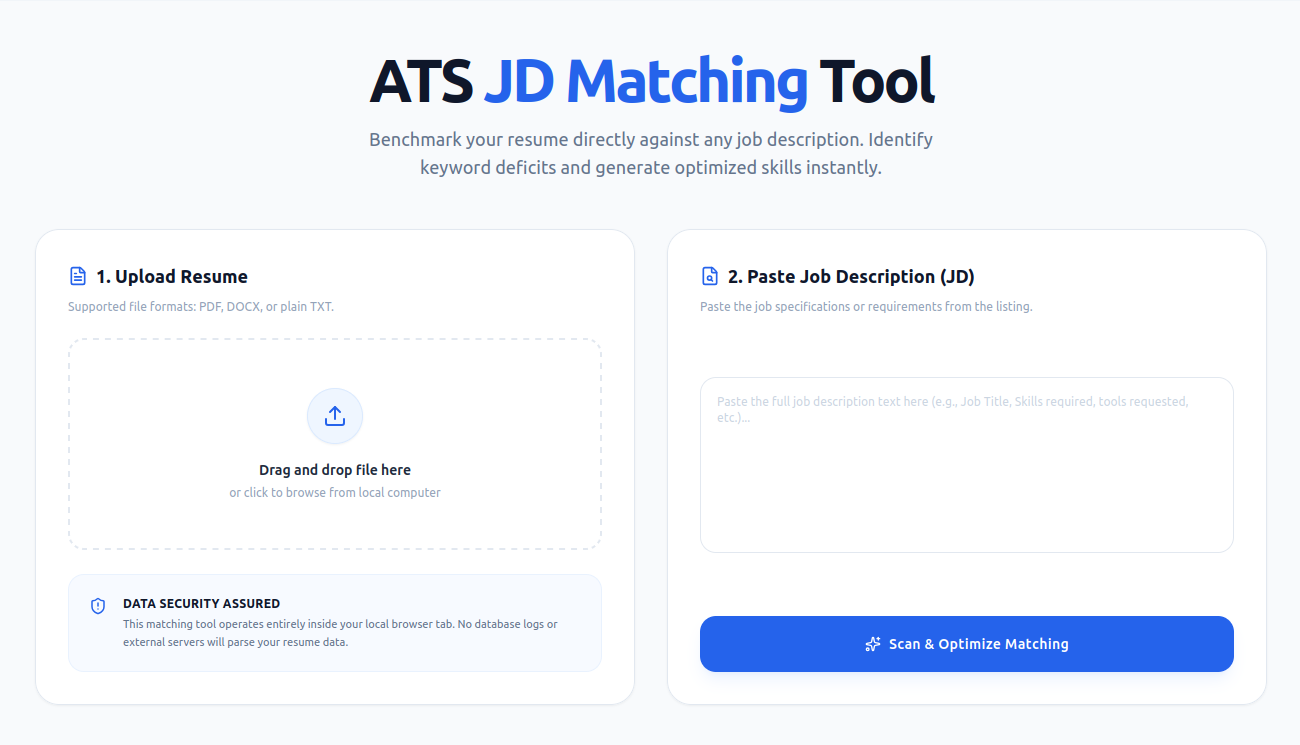
3 Missing Skills
JD Matching Breakdown
Our scan highlights specific requirements in the JD and overlays them with your active resume details, showing a comprehensive comparison of missing skills and keywords.
AI Career Coach & Mentor
Get instant expert feedback on your resume, career roadmap, interview questions, or high-demand industry skills directly from our smart AI.
See how standard databases read and index your work history.
Scan your draft to instantly test how applicant tracking systems read your headings. If standard sections like "Skills" or "Work History" are missing or mislabeled, our scanner flags them immediately. This ensures your resume parses cleanly so recruiters don't miss your achievements.
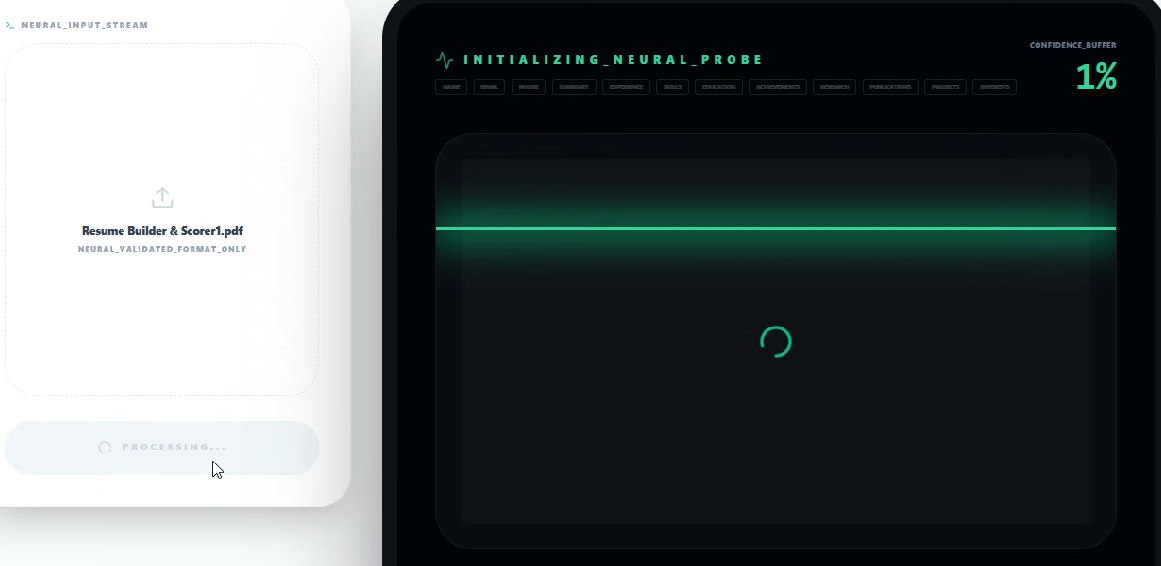
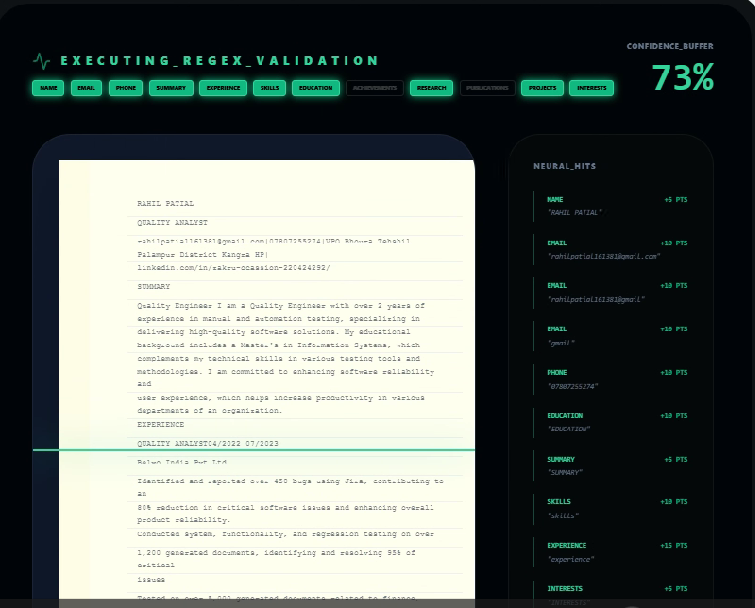
Visual Scanner Highlights
The visual layout above shows how the scanner validates your document:
• **Visual Scan:** The tool maps your contact details, education, and experience blocks to standard system fields.
• **Extraction Panel:** Displays the exact text that recruiters see, helping you verify that your core skills are fully readable.
Chronological Flow
Ensure enterprise systems like Taleo and Workday read your employment timeline chronologically without scrambling your career progression.
Prevents layout parsing errors
Contact Info Check
Format your email, phone, and LinkedIn link cleanly so recruiters can find your contact information and reach out instantly.
Guarantees direct contact mapping
Section Heading Audit
Scan for essential categories (like Education or Skills) that databases filter by. Get instant suggestions on what to add to clear the auto-filters.
Boosts your overall match rate
"Our scanner reads your PDF exactly the same way standard applicant tracking databases do, highlighting layout bugs so you can fix them immediately."
Check if your resume passes ATS screeningWrite, Scan, and Pass the Recruiter Screen.
A structured builder and checker that helps you format your resume and prepare your application step by step.
Everything you need to master your job search.
This platform is a practical resume and career guide. We walk you through what matters most: passing applicant tracking systems, perfecting your format, and preparing for interview questions.
Our built-in checker scans your draft, flags missing details in real-time, and provides standard headings. All you have to do is type in your real achievements—no layout formatting required.
Plus, get instant access to a rich library of professional articles on resume tips, job search strategy, and salary negotiation.
"Mera resume score 77 tha aur mujhe interview calls nahi aate the. Scanner se check kiya toh pata chala kuch standard headers missing the. Maine iss tool ka use karke missing headers add kiye, scan kiya, aur score 80+ cross kar gaya. Uske baad se call aane lag pade!"
All-in-One Career Workspace
We built this to replace scattered Google searches with one smooth workflow: scanner checks, clear headers, interview prep, and professional articles.
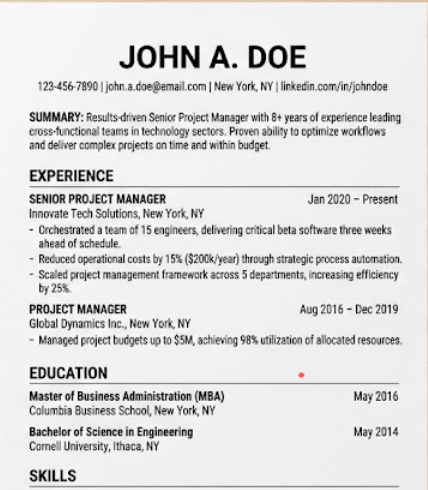
Before vs. After Layout Comparison
These layout examples show the practical formatting difference:
• **Staggered Layout:** Columns, custom progress bars, and complex graphical boxes can confuse standard parsing programs and break a reader's flow.
• **Chronological Layout:** A simple vertical structure reads cleanly. Standard margins, chronological timelines, and clear headings ensure direct, error-free indexing.
Built on what actually gets people hired.
Direct, recruiter-driven insights backed by thousands of successful resume scans and candidate success stories.
Numbered Resumes
Resumes Scanned & Checked
Tested against standard recruitment database parsing patterns to locate extraction warnings.
All Job Categories
Software Engineers, Data Analysts, Financial Analysts, Marketing & Others
Designed for candidates across all categories and fields who manage resumes. This tool + guide clearly helps you achieve your targets, secure a professional ATS-friendly resume, and understand the critical parameters before applying.
Optimized
Improves ATS Readability
Ensures standard parsers index 100% of contact info and work milestones without shifting fields.
See how your resume looks as you build it
Our editor outputs clean, parser-ready designs with standard, built-in sections. Just type in your experience, watch the live side-by-side preview update instantly, and download your recruiter-ready PDF.
Recruiter-backed checklist for job applications:
Whether you are a fresher or an experienced professional sending applications, this tool + guide helps you secure a professional, high-scoring draft. Here is exactly what you need to understand before hitting apply:
Linear Job Timelines
A vertical timeline prevents systems like Workday from mixing up dates and jobs. Keep formatting standard to ensure accurate parsing.
Skill Groups & Keywords
Group skills by category (e.g., Languages, Frameworks). Clear lists help applicant tracking systems match your profile to the job description.
Structured Contact Metadata
Put your email, phone, and location clearly at the top. Avoid using text tables or text-box coordinates that scramble scanner readings.
Guides to Help You Get Hired.
Browse our library of recruiter-backed articles covering layout structure, keyword optimization, and resume writing best practices.
1. Resume Writing & Layout Standards
Guides to help you format a resume from scratch and organize your work history using a simple chronological structure.
2. Keyword Matching & Content Rules
How to identify important skills in job postings and integrate them naturally into your bullet points.
3. Job Search & Screening Realities
Understand how recruiters screen resumes under time pressure and what red flags trigger immediate rejection.
Ready to structure your resume?
Use our tools to build an easy-to-read chronological layout and test its readability in seconds.
Why we built this: A natural, real approach.
Traditional online advice is full of generic templates. We created a practical, hands-on tool born from real-world frustration and direct testing.
The Personal Methodology
This platform was built from actual personal experience. I spent months applying for jobs multiple times in both the UK and India, getting virtually zero responses despite solid credentials.
After realizing my score was stuck at 77 because of missing structural headers, I optimized my resume to cross the 80+ score mark, and the calls suddenly started. This tool provides built-in headers so you can do the same.
Sourcing & Originality
The core concept of this product is original. While other sites run basic spellcheckers, nobody else on the internet actually scans the specific structure of your resume to pinpoint exactly which sections are missing.
Our checker looks for the specific headings required by databases. If essential sections are missing, it flags them so you can add them immediately. Once verified, you can download your clean resume straight from our builder.
Free vs. Premier Access
We offer two distinct models for both our Resume Builder and Resume Scanner to suit your goals: